01
Responsive Geometry
Drive solids, voids, panels and frames with point, line or sun-based fields.
VORMA PRO turns Revit into a generative design studio, giving architects direct control over responsive facades, landscape systems and fabrication preparation.
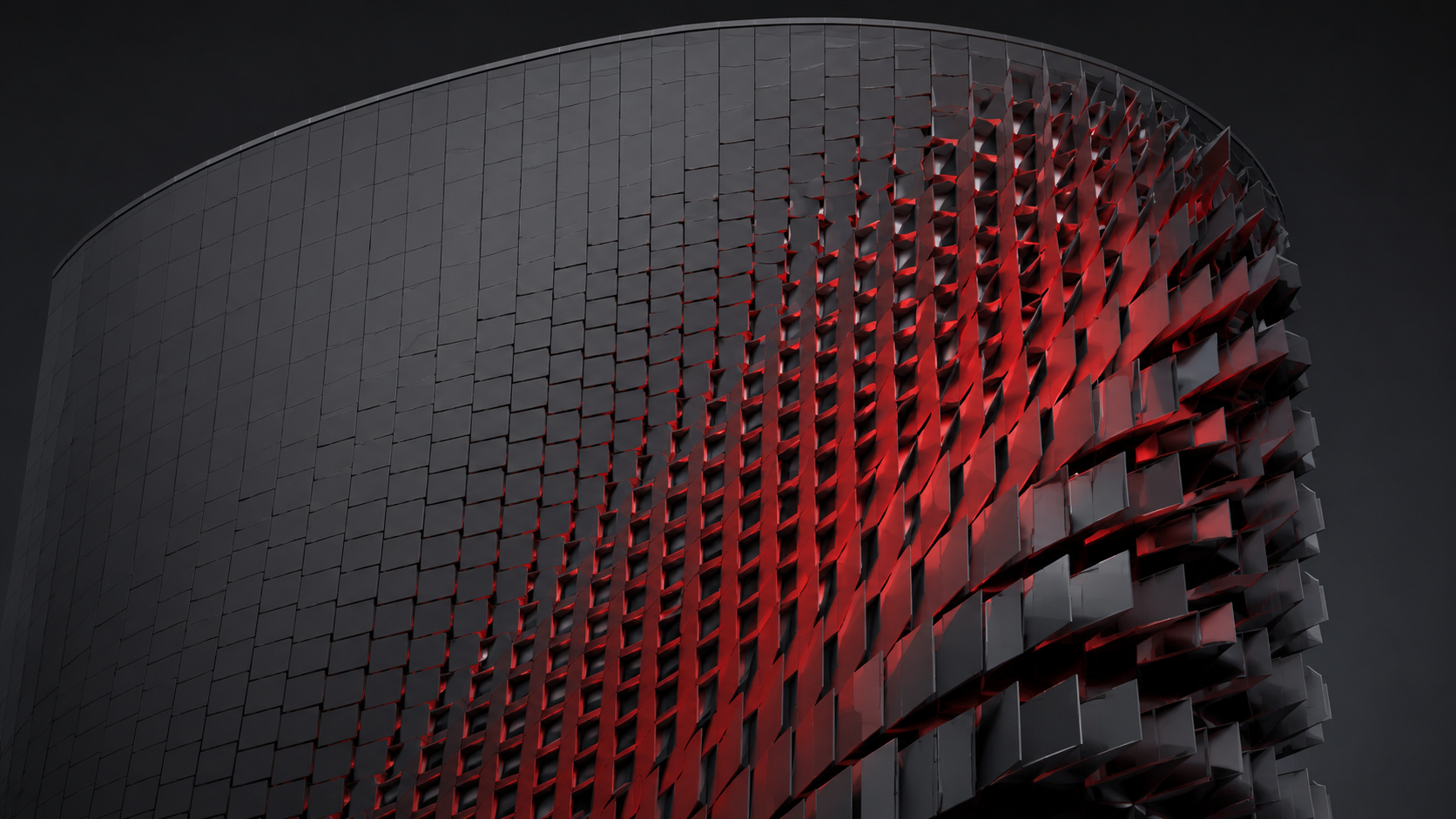
Explore options quickly without disconnecting from the model. Keep generation, local editing, materials and output inside one deliberate workflow.
Purpose-built tools for architects who want control without leaving Revit.
Drive solids, voids, panels and frames with point, line or sun-based fields.
Load a family from the project or an RFA file and distribute it across flat or curved hosts.
Move, rotate, delete, paint and reshape individual modules without losing your intent on update.
Generate paving and landscape systems that respond to trees, boundaries and design controls.
Control real Revit materials, palettes and distribution while keeping elements editable.
Export a master DXF with panel geometry, tags, areas, quantities and model locations.
VORMA IN MOTION
Four short demonstrations show how VORMA turns design intent into editable Revit geometry and fabrication-ready output.
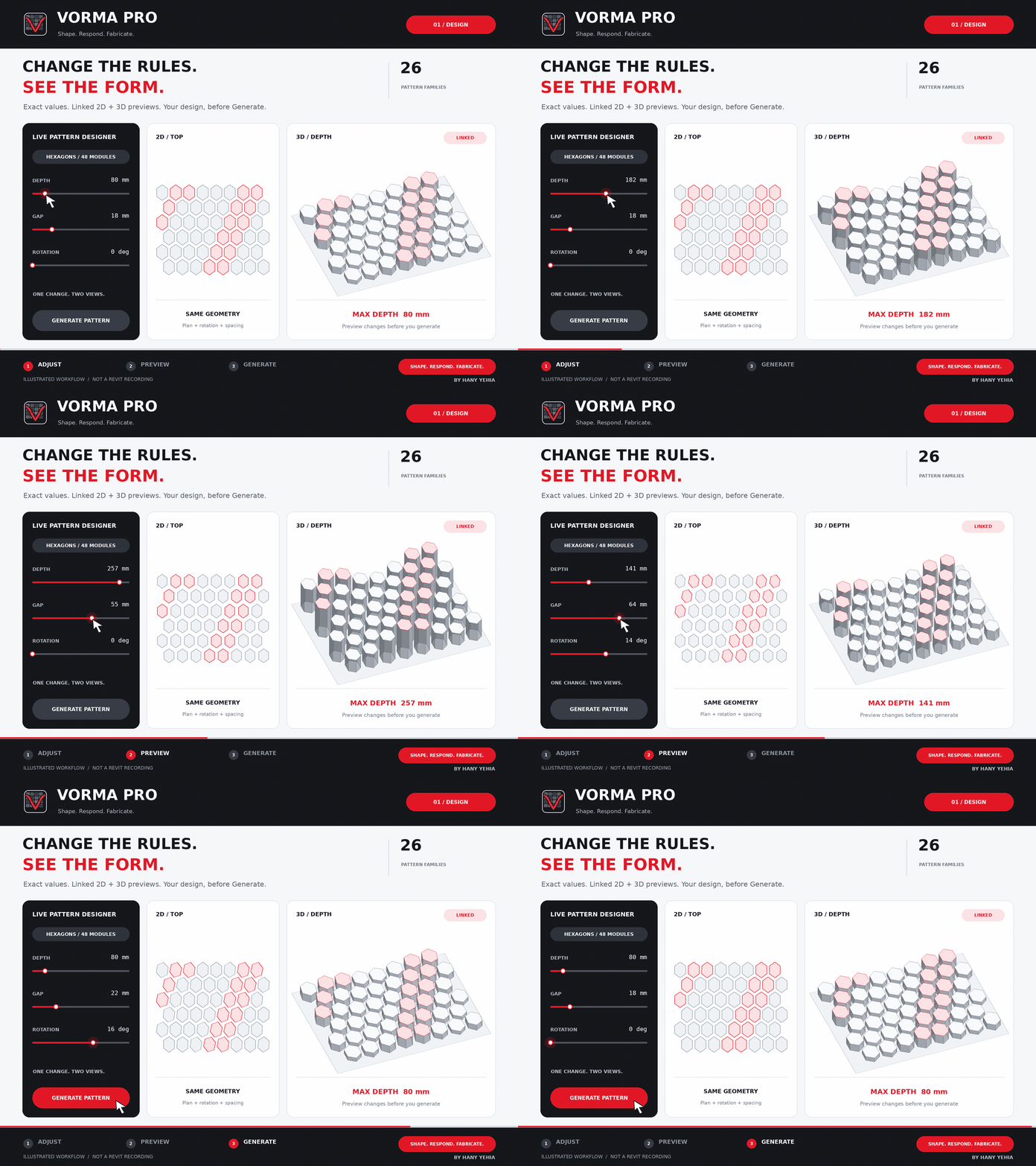
Control depth, gap and rotation while the 2D and 3D previews update.
Draw it, pick it and move it. The façade follows the model curve.
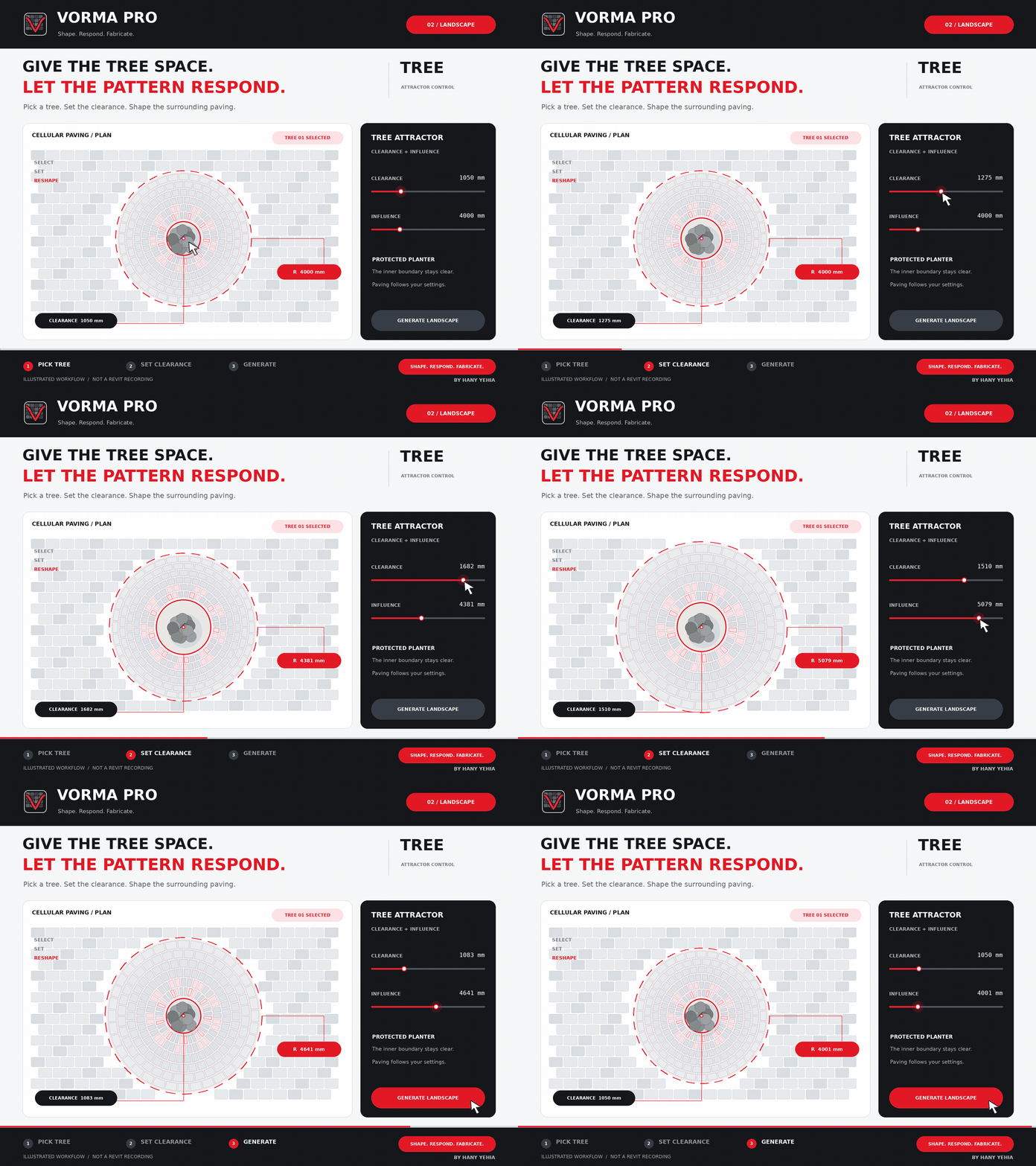
Shape paving around trees with controlled clearance and influence.
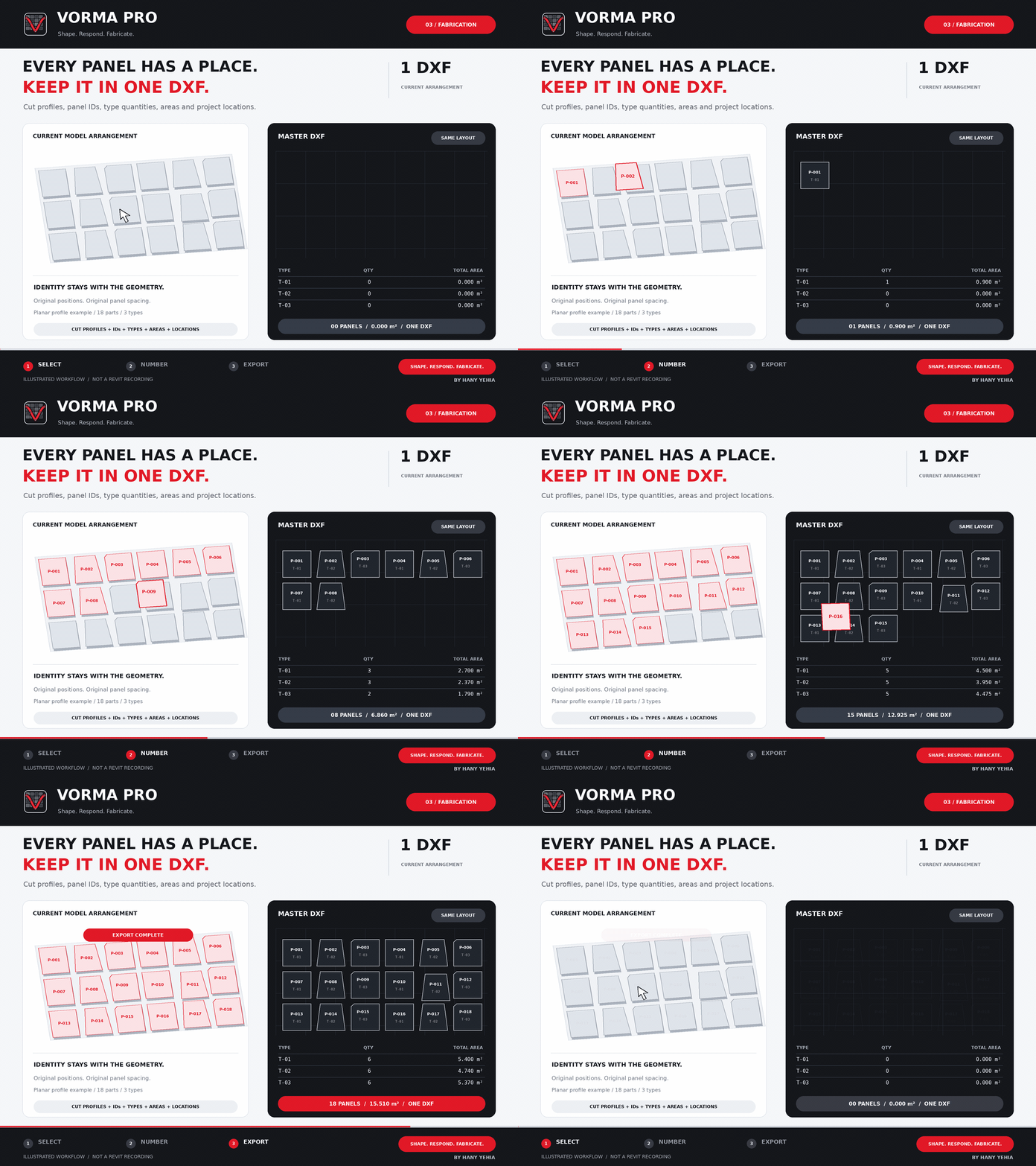
Number, tag and package coordinated components for fabrication.
Move from host selection to coordinated output without breaking the BIM workflow.
Pick a façade, floor, roof or curved Revit surface.
Choose the pattern, geometry type, driver and response range.
Orbit and zoom the live 3D result before creating model geometry.
Generate editable Revit elements and export when ready.
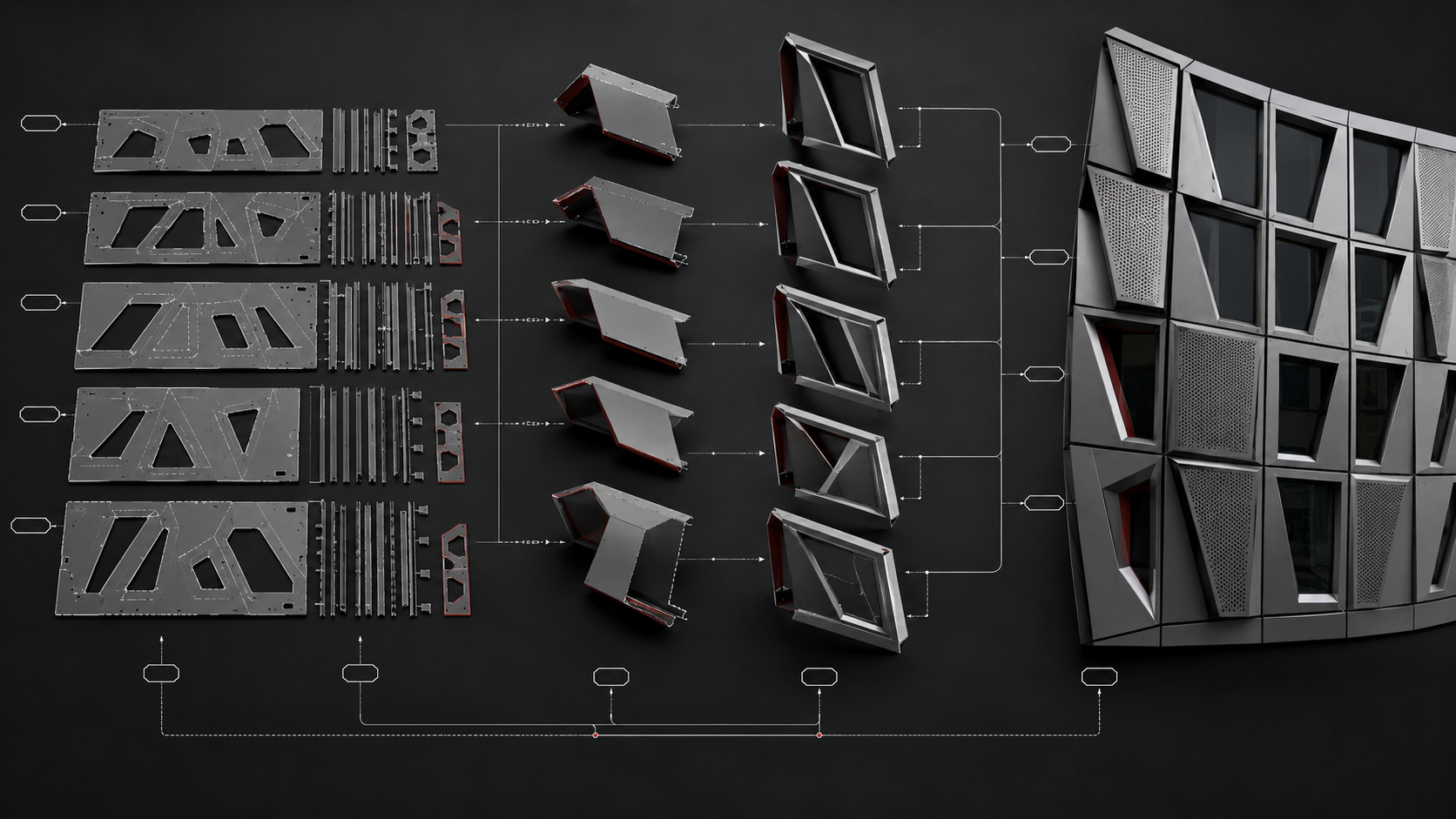
Move from model to fabrication preparation with organized panel geometry and the data needed to identify, quantify and locate every piece. Validate the output with your fabricator before production.
VORMA PRO v2 for Revit. One payment of $15, with no recurring charge. Download the installer with a 15-day full-feature trial, including Parametric and Responsive.
VORMA PRO v2 includes a 15-day full-feature trial, including Parametric and Responsive. Form Studio is not included.
Generative Studio for Revit, with no monthly or annual renewal. Form Studio is not included in this release.
A license for the purchased version. No recurring charge.
USD, before applicable tax. Payments are processed through Creem. VORMA PRO v2 includes a full 15-day trial. Upgrading preserves the original trial start.
Quick answers for architects, BIM teams and VORMA PRO customers.
Yes. The full workflow runs directly inside Autodesk Revit, so the result stays connected to your BIM model.
VORMA PRO supports Revit 2024, 2025, 2026.5 or later in the 2026 series, and 2027 on Windows. Earlier Revit 2026 updates require an Autodesk update before installation.
Yes. Select a loaded Family Type in the current project or load an RFA from your computer.
Yes. Modules align to local surface frames on both flat and curved hosts while remaining controllable.
No. VORMA PRO is designed for visual, direct use by architects without writing code.
VORMA PRO v2 includes a 15-day full-feature trial of all Generative Studio tools, including Parametric and Responsive. After the trial, activate the $15 one-time license to continue. Form Studio is not included. Upgrading preserves the original trial start.
New purchases cost $15 once, with no monthly or annual renewal. The license covers the purchased version on up to two computers. Existing subscriptions keep their original terms until separately changed.
Questions about compatibility, licensing, billing or installation are welcome.
Advanced computational tools for a more direct Revit workflow.
Get VORMA PRO